

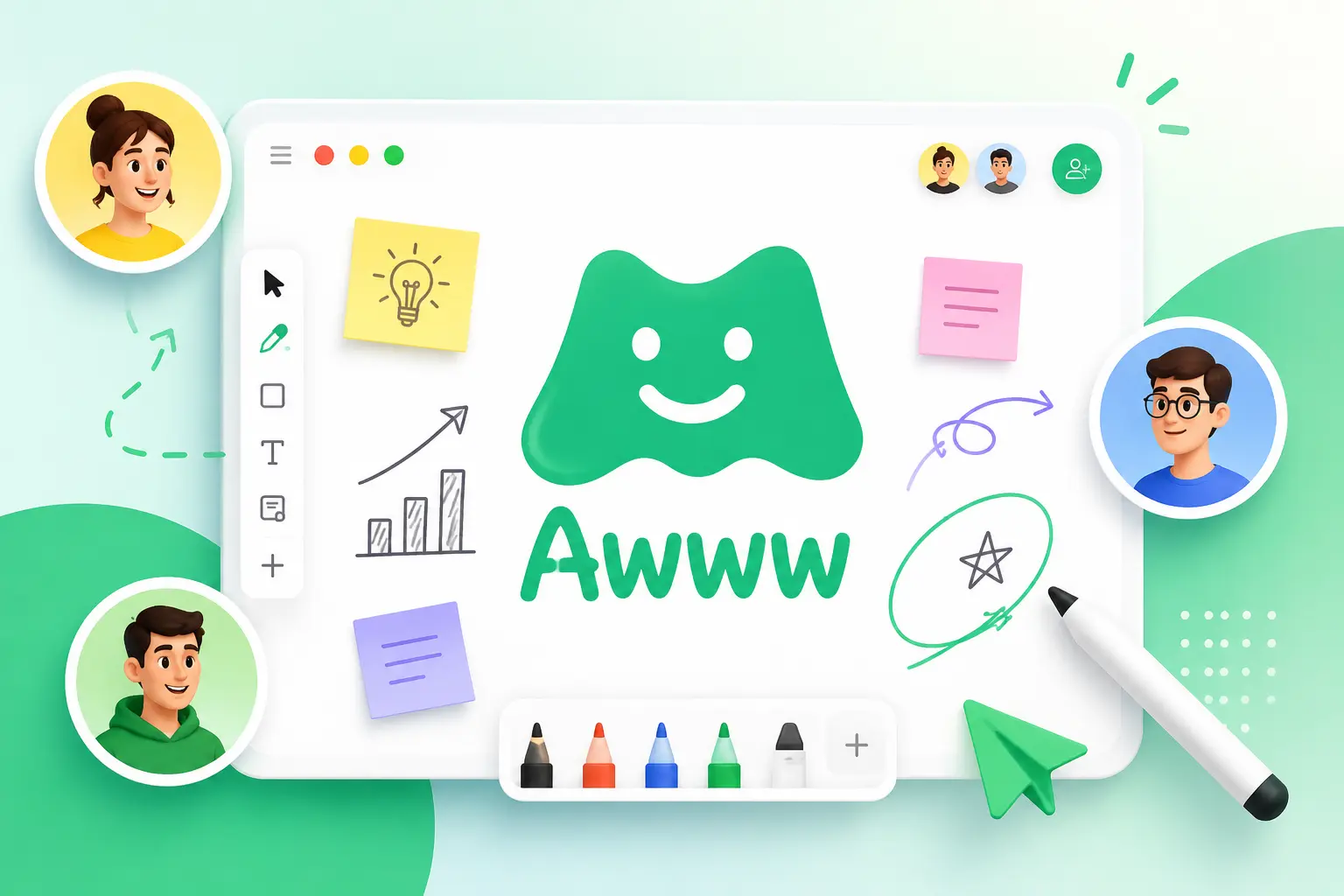
Working together online has become a normal part of modern life. Whether you are brainstorming ideas, teaching students, planning projects, or explaining concepts to clients, having the right collaboration tool can make everything easier. This is where the awww app stands out. It offers a clean digital whiteboard that helps people share ideas visually without dealing with complicated software.
Unlike traditional note-taking tools, this platform focuses on creativity and real-time teamwork. Users can sketch, write, organize thoughts, and communicate with others on a shared canvas. Because of its simple interface, both beginners and professionals can start using it within minutes.
Understanding the Purpose of This Digital Whiteboard
At its core, the awww app is an online collaborative whiteboard designed for people who want to work together visually. Instead of sending multiple documents or long messages, users can gather everyone in one workspace where ideas are created instantly.
The board acts like a large digital canvas. Team members can draw diagrams, add notes, create flowcharts, highlight important information, and discuss ideas while everyone watches changes happen in real time.
Because everything happens inside one shared workspace, communication becomes faster and more organized.
Why Visual Collaboration Matters Today
Visual communication often explains ideas better than text alone. Instead of writing lengthy descriptions, people can draw quick sketches, map workflows, or create simple diagrams that everyone understands immediately.
A collaborative whiteboard helps by allowing participants to:
- Share ideas during meetings
- Explain complex concepts visually
- Plan projects together
- Conduct brainstorming sessions
- Organize information clearly
- Improve team communication
This visual approach saves time while reducing misunderstandings.
Features That Make the Platform Easy to Use
One reason many users appreciate the awww app is its balance between simplicity and functionality. It includes practical tools without overwhelming new users.
Some useful features include:
Real-Time Collaboration
Multiple users can work on the same board simultaneously. Every update appears instantly, making teamwork smooth and interactive.
Drawing Tools
The platform offers pens, brushes, colors, and shape tools that help users create sketches, diagrams, and quick illustrations.
Sticky Notes
Ideas can be organized with digital notes that are easy to move around during brainstorming sessions.
Image Support
Users can upload images directly onto the board to support discussions or presentations.
Text Boxes
Adding explanations, labels, or project notes is simple through editable text elements.
Easy Sharing
Boards can be shared quickly with teammates, students, or clients through simple links.
Who Can Benefit from This Collaboration Tool?
The flexibility of the platform allows many different users to benefit from it.
Teachers
Educators can explain lessons using drawings, charts, and interactive exercises during online classes.
Students
Students can collaborate on assignments, group projects, and study sessions from anywhere.
Designers
Creative professionals often sketch layouts, share concepts, and gather client feedback directly on one canvas.
Remote Teams
Distributed teams can hold planning meetings, brainstorming sessions, and project discussions without needing physical whiteboards.
Business Professionals
Managers can create workflows, plan strategies, and visualize project timelines with their teams.
Common Ways People Use the Awww App
The awww app fits into many everyday workflows because it adapts to different tasks.
Popular uses include:
- Brainstorming ideas
- Project planning
- Mind mapping
- Team workshops
- Client presentations
- Design discussions
- Online tutoring
- Product planning
- Wireframing
- Visual note-taking
Its flexibility makes it useful across industries.
Benefits of Choosing an Online Whiteboard
Using a digital whiteboard offers several practical advantages over traditional methods.
Better Teamwork
Everyone contributes to the same workspace without waiting for files to be shared.
Faster Communication
Visual explanations reduce confusion and make discussions more productive.
Improved Creativity
A blank canvas encourages users to think freely and explore ideas together.
Remote Accessibility
People can join sessions from different cities or countries using only an internet connection.
Organized Information
Everything stays in one location, making it easier to review discussions later.
Tips for Getting Better Results
If you’re using the awww app for collaboration, a few simple habits can improve productivity.
Start with a clear objective before creating your board.
Use different colors to separate topics.
Group similar ideas together instead of placing everything randomly.
Keep text short and easy to read.
Invite participants early so everyone can contribute from the beginning.
Review completed boards after meetings to summarize key decisions.
These small practices help teams stay organized throughout the session.
Strengths That Users Appreciate
Many people prefer simple tools over feature-heavy software that requires hours of learning.
Some strengths include:
- Beginner-friendly interface
- Quick setup
- Smooth collaboration
- Flexible drawing options
- Minimal distractions
- Works for education and business
- Easy idea sharing
- Supports creative thinking
These qualities make it accessible for users with different experience levels.
Things to Keep in Mind
No software is perfect, and every collaboration platform has its limitations.
Large projects with highly detailed diagrams may require more advanced design software.
Very large teams may also benefit from project management platforms that include task tracking alongside visual collaboration.
Still, for brainstorming, planning, teaching, and creative discussions, the platform remains an efficient option.
Simple Ways to Make Meetings More Interactive
Instead of relying only on slides, teams can encourage participation by asking everyone to draw ideas, vote using colored notes, or organize information together on the board.
Interactive meetings often generate better discussions because participants actively contribute rather than simply watch presentations.
This collaborative style helps teams reach decisions more efficiently.
Why Simplicity Is One of Its Biggest Advantages
Many digital collaboration platforms include dozens of advanced features that new users rarely need. A simple interface allows people to focus on ideas instead of learning complicated controls.
That is one reason the awww app continues to appeal to educators, freelancers, startups, and remote teams looking for a straightforward collaboration experience.
Its clean workspace encourages productivity while reducing distractions during meetings and brainstorming sessions.
Final Thoughts
The awww app provides a practical way to collaborate visually without unnecessary complexity. Whether you’re teaching a lesson, organizing a team project, planning creative work, or sharing ideas with clients, the platform offers an easy environment where everyone can contribute in real time.
Its combination of live collaboration, drawing tools, visual organization, and simple sharing makes it suitable for a wide range of users. While advanced projects may occasionally require specialized software, this digital whiteboard remains an excellent choice for everyday brainstorming and communication.
If you’re searching for a simple yet effective online collaboration solution, the awww app is worth exploring for creative teamwork, learning, and productive discussions.
