

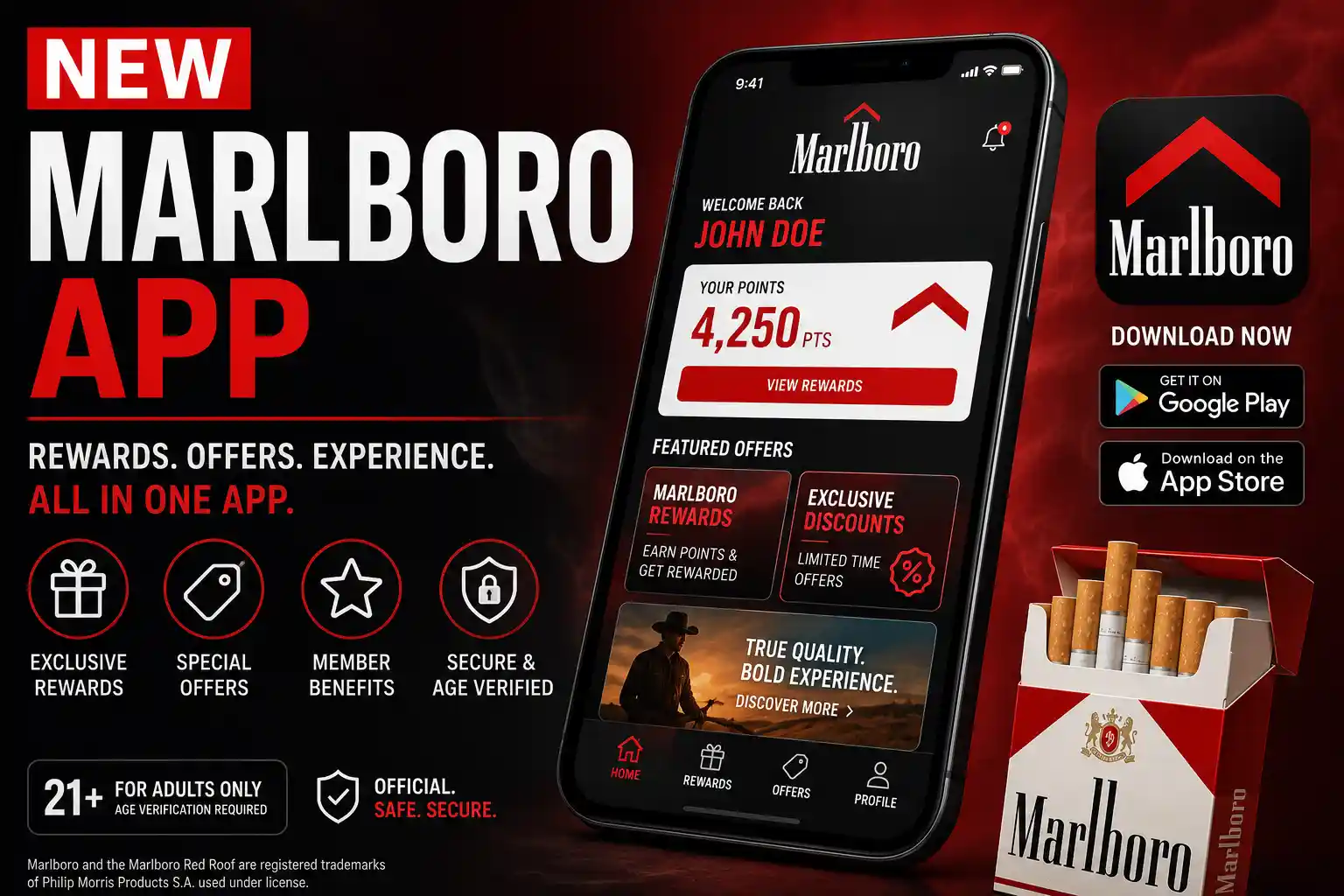
Before installing anything called the new marlboro app, or handing over personal details to sign in, it is worth pausing to check whether it is official, age-gated, and safe. The name can point to several different things: a Marlboro-branded rewards platform, a retailer app that lists Marlboro coupons, or a page offering an installer file with no real connection to the brand. Because Marlboro is a regulated tobacco brand, any legitimate app tied to it should confirm legal-age adult status before granting access, and that single fact should guide every decision made below.
This guide explains what the new marlboro app may actually refer to, how to confirm a listing is legitimate before installing anything, why age verification is a normal and expected step rather than a red flag, and which privacy and permission checks deserve attention before sign-in. It also flags the kind of download pages worth avoiding, along with common access problems and how to work around them safely.
What Is the new marlboro app?
The phrase doesn’t always point to one single product. Depending on where it turns up, the new marlboro app could be:
- A Marlboro-related digital platform tied to the brand’s account and rewards system
- A mobile app connected to age-gated Marlboro services
- A retailer rewards app that happens to surface Marlboro-branded offers alongside other brands
- A third-party APK or clone page using the Marlboro name to attract installs
- An unrelated app that simply shares a similar name, such as regional “Marlborough” community or banking apps
Philip Morris USA restricts access to its product-branded platforms to adult nicotine consumers aged 21 and older, using electronic age verification. That policy is a useful baseline: any digital experience genuinely tied to the Marlboro brand should be gating access the same way, not offering it freely to anyone who lands on the page.
Why the App May Look Different Depending on Where You Find It
Availability isn’t uniform. Some long-running Marlboro-linked programs have shifted away from a dedicated native app toward a web-based experience accessed through a mobile browser, which is part of why search results for “the app” can feel inconsistent right now. Listings can also vary by device, platform, and region, since tobacco marketing rules differ from state to state and country to country.
Why Source Verification Comes First
Because the name is used by both a legitimate, age-gated program and a long tail of copycat pages, the first move before entering any personal detail is confirming where the listing actually comes from. The next section breaks that check down step by step.
Is the new marlboro app Official or Risky?
Using the Marlboro name isn’t proof of anything on its own. A listing or page should be evaluated on its own merits, not its branding. Before trusting it, check the developer name, whether it links back to an official brand source, the presence of a real privacy policy, the quality of the store listing itself, whether it actually verifies age, its review history, the permissions it asks for, how recently it was updated, and whether it lists real support contact.
App-store listings typically include privacy information, but that information is supplied by the developer and can vary depending on the app’s features and the reviewer’s region or age, so it’s a starting point for judgment, not a guarantee.
Signs It May Be Official
A legitimate listing usually comes from a verifiable, brand-linked developer account, includes a real privacy policy, gates access behind age verification before showing any content, and lists a working support channel.
Signs It May Be Risky
Treat a listing with caution if the developer is unknown or generic, the page only offers an APK file rather than a store listing, there’s no privacy policy at all, the copy has spelling or formatting errors, it promises unusually generous coupons, or it offers any way to skip age verification.
How to Check the new marlboro app Before Installing Anything
A short checklist goes further than a general warning to “be careful.” Before installing anything, it helps to work through it in order:
- Confirm whether Marlboro or Philip Morris USA links to the app from an official source.
- Look closely at the developer name on the listing.
- Check for a real, specific privacy policy rather than boilerplate text.
- Review the permissions requested before allowing access.
- Read recent reviews for repeated, similar complaints.
- Skip any page that forces an APK download instead of a normal store listing.
- Skip any page promising a way around age verification.
- If access still fails, go through official support rather than a third-party fix.
Built-in tools like Google Play Protect can flag potentially harmful behavior on Android apps and devices, but that kind of scanning is a backstop, not a substitute for checking the source yourself.
Check the Source First
Confirming the app is genuinely linked to the brand matters more than any other single check, since everything else, permissions, reviews, support, is easier to fake than a verified source.
Review Permissions Before Signing In
Permissions should make sense for what the app actually does. A rewards or coupon feature asking for location or notification access is reasonable; the same request from an app with no clear purpose for it is worth a second look.
Avoid Pages That Promise Easy Access
Language like “no verification needed” or “instant access, no ID required” is one of the clearest warning signs available, precisely because a legitimate tobacco-brand platform has no reason to offer that.
Why Age Verification Matters in the new marlboro app
Age verification isn’t an arbitrary hurdle here, it exists because tobacco-related platforms are regulated. Federal law sets the minimum age for tobacco sales at 21, and FDA rules require checking identification for anyone appearing to be under 30 who attempts to buy tobacco products. Philip Morris USA applies the same standard to its digital properties, limiting access to adult nicotine consumers 21 and older through electronic age verification.
Why Verification May Ask for Personal Details
Identity information requested during verification is generally there to confirm eligibility, not to build a marketing profile, but that’s exactly why it’s worth checking the privacy policy on the specific listing before entering anything.
Why Bypass Claims Are a Red Flag
Any app or page that offers a way to skip or shortcut age verification should be treated as untrustworthy by default, regardless of what else it promises.
Privacy and Permission Checks for the new marlboro app
A handful of permission categories come up repeatedly on tobacco-brand and rewards-style apps: location access, account information, identity verification details, notifications, marketing preferences, device data, and app analytics.
Location access may be tied to store-based coupon eligibility or regional restrictions, but exact behavior shouldn’t be assumed unless it’s confirmed in an official listing or privacy policy. Apple’s privacy labels and Google Play’s data safety section both exist to help people review these details before installing anything.
Location Access
Location makes sense for store-based offers; it’s less justifiable for a feature that has nothing to do with physical location.
Identity and Account Data
Age-gated platforms may reasonably ask for verification details, but the privacy policy should spell out how that data is stored and for how long.
Notifications and Marketing Preferences
Notification and marketing opt-ins are usually adjustable after setup, and it’s worth reviewing them rather than accepting the defaults during onboarding.
Common Issues With the new marlboro app
Access problems are common enough to be part of the actual search intent behind this topic, not an afterthought. Typical issues include the app not appearing in a store listing, unavailability in a given region, device compatibility gaps, an outdated version still installed, login errors, failed age verification, location permission problems, coupon or reward availability issues, and account lockouts from a verification mismatch.
Long-running participants in Marlboro-linked reward programs have publicly noted that availability hasn’t always been consistent across platforms, with some pointing out gaps on iPhone in particular. That kind of platform inconsistency is a real, ongoing source of confusion, not just an edge case.
App Not Showing in the App Store
Availability can depend on region, device, platform, or simply whether a given official listing is currently active at all.
Location or Coupon Access Not Working
Start with the basics: location permission status, whether the app is updated to its current version, and whether the account actually meets eligibility requirements.
Login or Verification Problems
The safe path here is checking that entered details are accurate, using an official password reset, and contacting official support directly rather than searching for a workaround.
Official App, Retailer App, or Fake APK: How to Tell the Difference
Not every listing that mentions Marlboro is built the same way, and telling them apart matters more than it might seem.
| Type | What It Usually Means | Trust Level | What to Check |
| Official Marlboro platform | Brand-controlled, age-gated access | Highest, if verified | Official source, developer name, privacy policy |
| Retailer rewards app | Store app that may surface age-gated offers | Depends on the retailer | Retailer name, its own policies, eligibility rules |
| Third-party APK page | Unofficial download source | High risk | Unknown developer, no official confirmation |
| Similar-name app | May have nothing to do with Marlboro tobacco | Varies | Developer, stated purpose, description |
What to Do If You Cannot Access the new marlboro app
If access isn’t working, the safer route is a short checklist rather than searching for an alternate download. Confirm the official Marlboro or Philip Morris USA source, check eligibility and region, look for current app-store availability, update the device’s operating system, review location permissions, reset login details through an official channel, and contact official support if the issue persists.
Safe Checks Before Trying Again
App updates, device compatibility, permission settings, and account details are worth ruling out before assuming something is broken on the platform’s end.
When to Avoid a Download
An APK-only source, an unusually generous coupon claim, or any promise of access without verification are all reasons to close the page rather than proceed.
Conclusion
The safest way to approach the new marlboro app is to verify the source before doing anything else. Use official channels only, and expect age verification as a normal part of the process. Do not treat it as a barrier to work around. Review privacy details and requested permissions before signing in. This protects more than just the account. It also protects the personal information tied to it. Pages offering unofficial APK files or promising a way to skip verification are not worth the risk, no matter how convenient they look. When access genuinely isn’t working, official support is a more reliable fix than any third-party workaround.
